Apr 30, 2026
/
16 min Read
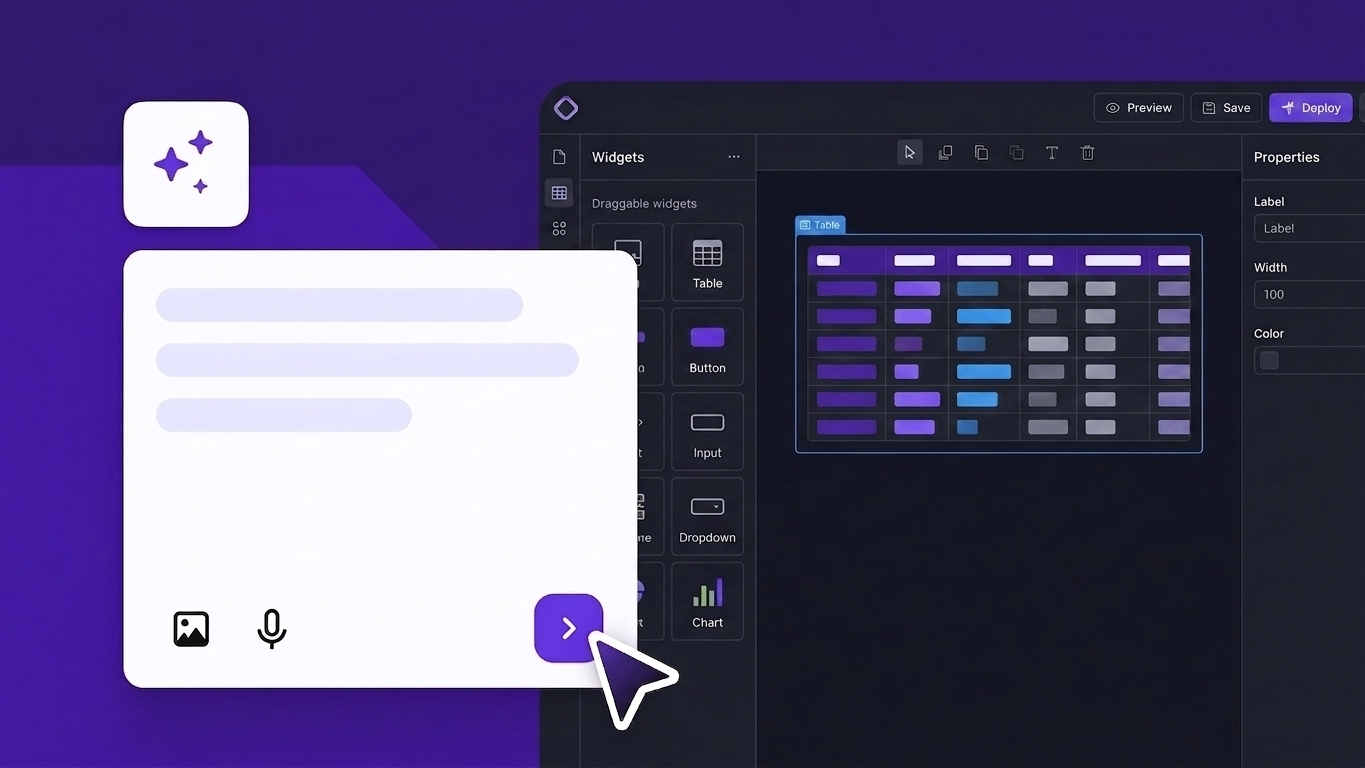
The best internal tool builders let you create custom dashboards, admin panels, and business apps without having to build everything from scratch. Platforms like Hostinger Horizons use AI to generate full apps from a text prompt. Developer-focused options like Retool and Appsmith offer drag-and-drop editors with deep database integration. If your team already lives in spreadsheets, Glide and AppSheet can turn that data into a working app in hours.
To choose the right builder, consider your team’s technical skills, the level of control you need over your data, and whether you prefer an open-source setup or a fully hosted platform.
Here are five picks for different team needs:
- Best for AI-powered tool building – Hostinger Horizons, fast no-code app creation with built-in hosting.
- Best for developer-grade flexibility – Retool, 100+ prebuilt components and deep database integrations.
- Best for spreadsheet-based apps – Glide, turns Google Sheets and Airtable into mobile-friendly tools.
- Best for engineering-led teams – Appsmith, open-source with full JavaScript customization.
- Best for Microsoft-heavy teams – Microsoft Power Apps, tightly integrated with Office 365 and Azure.
1. Hostinger Horizons
Best for: Non-technical teams who want to go from idea to live app without writing code or managing servers.
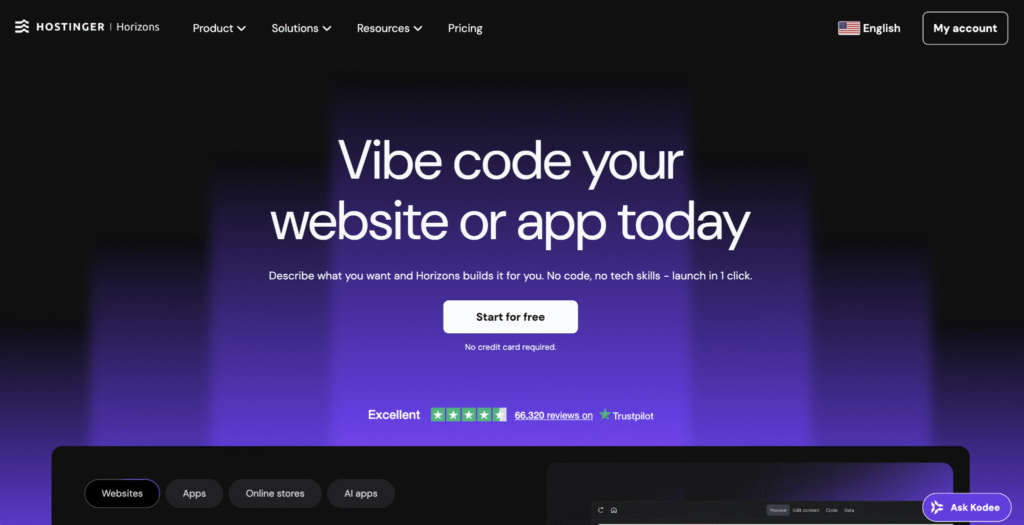
Hostinger Horizons is an AI-powered app builder that generates working web apps from plain-language prompts. Describe what you need, and the AI writes the code, designs the interface, and publishes it.
Horizons runs on a credits-based subscription. Each AI action draws from your monthly credit allowance. Publishing your app requires a separate active Hostinger hosting plan; the two are billed and managed independently.
For teams that need deeply customized back-end logic, Horizons might not be the best fit. It also can’t build Chrome extensions, native mobile apps, banking or trading apps, or 3D games. If your project needs that level of control from the start, a developer-focused tool like Retool or Appsmith will give you more room.
Hostinger Horizons key features
Horizons generates apps from plain-language prompts and handles everything from sandbox testing to one-click publishing – without switching tools.
- AI app generation – Describe your app in plain language, and the AI builds the interface, logic, and structure. It supports 80+ languages and accepts text, voice, or image inputs.
- One-click publishing – Test everything in a sandbox first, then publish when you’re ready with a single click.
- Sandbox testing – Preview and test your app before it goes live. If something breaks, describe the fix and the AI handles it.
- Code export – Higher-tier plans let you view and download the generated code, so you’re not locked into the platform.
- Version control with rollback – Every change is saved, and you can revert to any previous version with one click.
Hostinger Horizons pricing
Horizons has four plans, each differentiated by monthly AI credit limits. All plans include the same features – you’re paying for more credits, not more functionality.
- Explorer – 30 AI credits/month – $9.99
- Starter – 70 AI credits/month – $19.99
- Hobbyist – 200 AI credits/month – $55.99
- Hustler – 400 AI credits/month – $99.99
All paid plans include a 30-day money-back guarantee. A free trial with limited usage is available, though you’ll need a paid plan to publish.
Best for: Developers and ops teams who need to build admin panels and dashboards on top of existing databases or APIs.
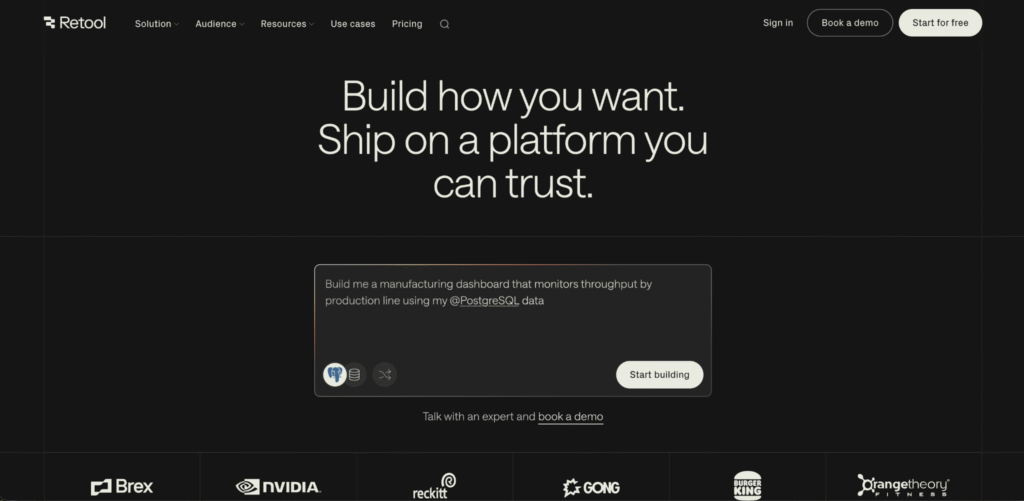
Retool is a low-code platform that lets you drag prebuilt UI components onto a canvas and connect them to your data using JavaScript or SQL. The result is a working CRUD app (an interface for creating, reading, updating, and deleting records) built in hours.
It works especially well when your back-end systems are already in place. Rather than rebuilding infrastructure, Retool adds a visual interface on top of what you already have – connecting to PostgreSQL, MongoDB, REST APIs, GraphQL, Google Sheets, and dozens more out of the box.
Retool is not designed for non-technical users. If your team doesn’t include developers or people comfortable with SQL, the learning curve will be steep.
Retool key features
Retool gives you 100+ drag-and-drop components, deep database and API integrations, and built-in access controls – everything a developer needs to build data-heavy internal tools fast.
- Drag-and-drop builder with 100+ components – Tables, charts, forms, and modals come prebuilt and ready to customize with JavaScript.
- Deep database and API integrations – Connects to SQL and NoSQL databases, REST and GraphQL APIs, and SaaS tools out of the box.
- Role-based access control – Set permissions at the app, page, or component level so each team member sees only what they need.
- Workflows and automation – Automate tasks like syncing data or sending notifications with built-in workflow runs.
- Self-hosted and cloud options – Deploy on Retool’s cloud or host on your own infrastructure for full data control.
Retool pricing
Retool splits users into two types: standard users (builders who create and manage apps) and end users (viewers who just use them). This distinction matters for your budget – you might have two builders but 50 people using what they build.
- Free – Up to five users, unlimited apps, 500 monthly workflow runs
- Team – $10/month per standard user (billed annually) + $5/month per end user (billed annually) – removes the 5‑user cap and adds 5,000 workflow runs, staging, releases, and role‑based permissions
- Business – $50/month per standard user + $15/month per end user – adds audit logs, external user support, and granular permissions
- Enterprise – Custom pricing – includes SSO, advanced security, and dedicated support
3. Glide
Best for: Operations teams who want to turn existing Google Sheets or Airtable data into a mobile-friendly app without learning to code.
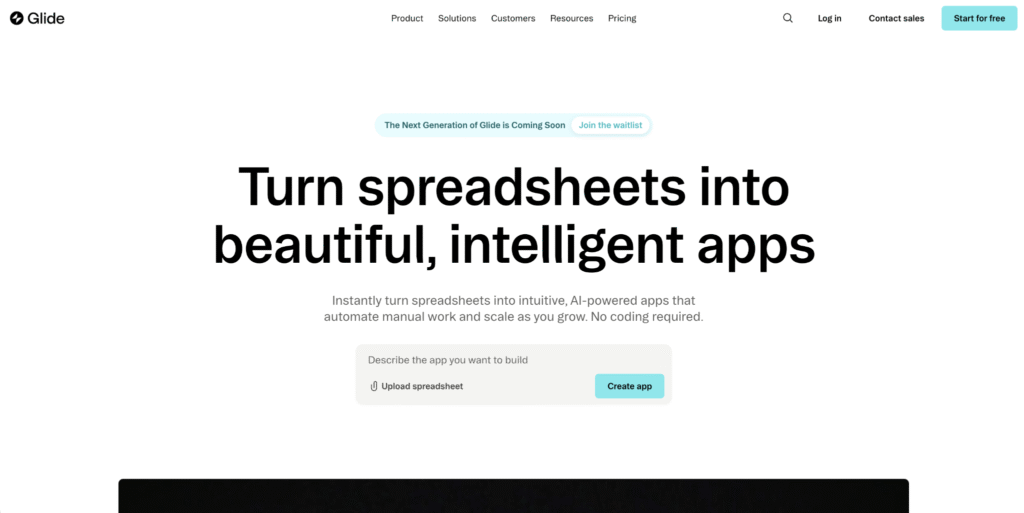
Glide connects to your spreadsheet, reads its columns, and automatically generates a basic app structure. You then customize screens, set up user roles, and publish. A non-technical operations manager can learn the basics in a few hours.
If your team already tracks inventory, manages contacts, or logs field data in a spreadsheet, Glide skips the data migration step entirely. Your data stays where it is; Glide builds an interface around it.
Glide is not suited for apps with complex back-end logic or large user bases. Per-user pricing adds up quickly beyond small teams.
Glide key features
Glide turns your existing spreadsheet data into a working app with almost no setup.
- Spreadsheet-based app building – Connect Google Sheets, Airtable, Excel, or Glide’s own database. Your existing data becomes the app’s backend.
- Mobile-friendly by default – Apps are responsive and work across desktop, tablet, and mobile without extra configuration.
- Built-in user authentication – Add role-based access and row-level security (limiting which users can see which rows of data) with a few clicks.
- AI-powered app generation – Describe what you want in plain language, and Glide generates a starting point you can customize.
- Templates for common use cases – Pre-made templates for CRMs, project trackers, inventory systems, and more help you launch quickly.
Glide pricing
Glide’s free plan is for learning and testing only. You can’t publish apps on it.
- Maker – $49/month (billed annually) or $60/month (billed monthly) – personal projects, unlimited personal users (Gmail sign-ins only)
- Team – $99/month – unlimited apps, five editors, 20 signed-in users; additional users at $5/month
- Business – $249/month – 40 users, Airtable and Excel integrations, more storage; additional users at $10/month
For internal tools with a small team, Glide is affordable. Factor in your headcount before committing, as per-user charges grow quickly at scale.
4. Appsmith
Best for: Engineering-led teams that want full customization and need to keep data on their own servers.
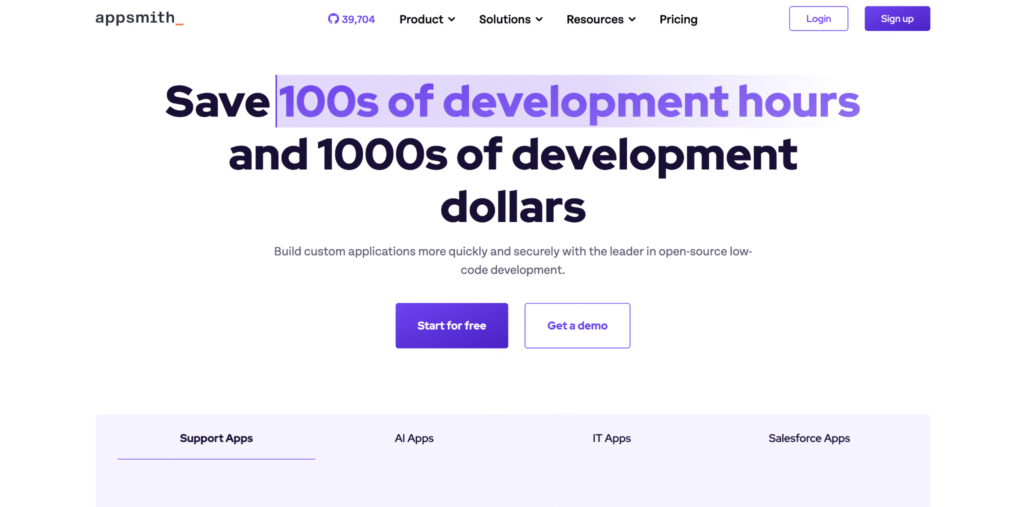
Appsmith is an open-source internal tool builder that pairs a drag-and-drop UI editor with JavaScript for custom logic. The community edition is free with no user limits when self-hosted, making it one of the most cost-effective options for teams with the technical resources to manage their own infrastructure.
It’s a strong fit for teams in regulated industries or with strict data policies, where keeping data on-premise (inside your own network rather than a third-party server) isn’t optional. You deploy Appsmith on your own servers and maintain full control over where everything goes.
Appsmith does require technical resources to set up and maintain. If your team doesn’t have someone comfortable with Docker or server management, a cloud-hosted platform will be easier to start with.
Appsmith key features
Appsmith gives developers more control than any other tool on this list – custom JavaScript logic, self-hosted infrastructure, and Git-based version control built in.
- Open-source and self-hostable – Deploy on your own servers with Docker or Kubernetes. The community edition is free with no user caps.
- JavaScript-based logic – Write custom queries, transformations, and business logic in JavaScript across your entire app.
- 50+ database and API integrations – Connect to PostgreSQL, MongoDB, MySQL, REST APIs, GraphQL, Google Sheets, Airtable, and more.
- Git-based version control – Manage app versions through Git, review changes via pull requests, and deploy through your existing CI/CD pipeline (your automated process for pushing code to production).
- Drag-and-drop UI builder – Place widgets like tables, forms, charts, and modals on a canvas, then bind them to your data sources.
Appsmith pricing
Appsmith can be self-hosted for free, but it still comes with infrastructure and maintenance costs. Appsmith recommends 2 vCPUs and 8 GB RAM for self-hosted deployments. A server close to that spec typically starts around $50+/month, depending on the provider, CPU type, backups, storage, and support needs.
- Community Edition – Free – Appsmith’s open-source version for self-hosting. There’s no Appsmith license fee, but you manage hosting, updates, backups, and maintenance yourself.
- Free – $0/month – for individual developers and small teams. Includes up to 5 users on Appsmith Cloud, 5 workspaces, 3 Git repos, Google SSO, public apps, and community support.
- Business – $15/user/month – supports up to 99 users. Adds workflows, reusable packages, premium integrations, unlimited environments, unlimited Git repos, unlimited workspaces, custom roles and access controls, audit logs, custom branding, branding removal, and email/chat support.
- Enterprise – from $2,500/month for 100 users – for teams that need advanced security, scale, and support. Adds SAML/OIDC SSO, SCIM user provisioning and group sync, CI/CD, private app embedding, custom integrations, dedicated support, and SLAs. Managed hosting and air-gapped deployment are available as add-ons.
5. OutSystems
Best for: Large organizations that need to build, manage, and scale complex applications across multiple departments.
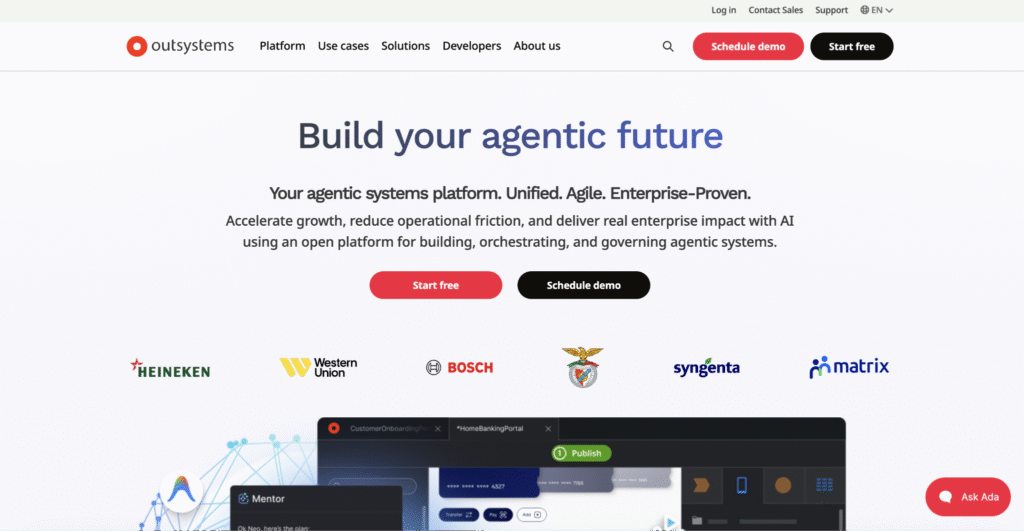
OutSystems is an enterprise-grade low-code platform where you design apps visually, define data models through a drag-and-drop interface, and deploy across web and mobile from a single codebase. The platform generates standard .NET or Java code under the hood, so you’re not locked into a proprietary runtime.
It handles the full application lifecycle: building, testing, deployment, and monitoring. Automated testing, CI/CD pipelines, and an architecture dashboard (which flags parts of your codebase likely to cause problems later) are all built in. For regulated industries like finance, healthcare, and government, the 200+ built-in security checks are a significant draw.
OutSystems costs more than most teams will need to spend if you’re building a simple dashboard or admin panel. It works best for organizations where the platform’s cost is offset by cutting months of traditional development time.
OutSystems key features
OutSystems covers the full application lifecycle – building, testing, deployment, and monitoring – in a single platform built for enterprise-scale.
- Visual development environment – Build full-stack apps with a drag-and-drop editor that generates .NET or Java code, extensible with custom code when needed.
- Full lifecycle management – Automated testing, code review, CI/CD deployment, and performance monitoring are all built in.
- Cross-platform deployment – Build once, deploy as a responsive web app or a native mobile app for iOS and Android with offline support.
- Enterprise security and governance – Includes 200+ security checks, role-based access, and compliance tools for regulated industries.
- AI-assisted development – AI features help generate code, build UI layouts, and create AI agents for automating tasks within your apps.
OutSystems pricing
A free 10-day trial is available, plus a free developer plan for learning and prototyping.
- Developer Cloud – $36,300/year, includes three environments (development, testing, and production) and 100 internal users
- Enterprise – Custom pricing, varies based on application complexity, deployment needs, additional users, and support tier
6. Softr
Best for: Non-technical teams who need a client portal, internal dashboard, or simple app up and running in under an hour.
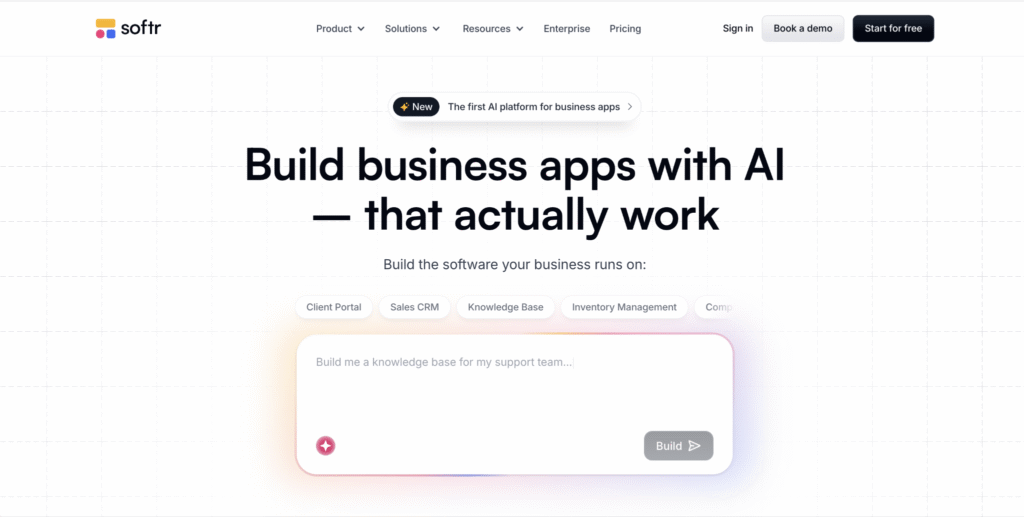
Softr is a no-code builder that sits on top of your existing data in Airtable, Google Sheets, or its own built-in database. You pick from prebuilt blocks like tables, Kanban boards, charts, and forms, arrange them on a page, and connect your data source.
The platform recently added an AI Co-Builder that generates the database structure, app layout, and business logic from a text description. User authentication, role-based permissions, and custom domains are all included out of the box.
Softr is not suited for apps with complex custom logic or advanced backend requirements. If you need anything beyond the prebuilt blocks, you’ll hit its limits quickly.
Softr key features
Softr prioritizes speed – prebuilt blocks, ready-made templates, and built-in authentication get you from idea to published app without touching code.
- Prebuilt blocks and templates – Drag-and-drop blocks for lists, tables, Kanban views, charts, calendars, and forms. Over 50 ready-made templates are included.
- Multi-source data connections – Connect Airtable, Google Sheets, HubSpot, Notion, and SQL databases. Softr’s own database supports up to 200,000 records.
- User authentication and permissions – Built-in login, user roles, and row-level access control with no third-party tools needed.
- AI Co-Builder – Describe what you need, and the AI generates your database schema, app layout, and business logic automatically.
- Mobile-ready apps – All Softr apps are responsive and support PWA (Progressive Web App) deployment, meaning users can add them to their phone’s home screen like a native app.
Softr pricing
Unlike many competitors, Softr charges based on total users and records rather than per seat, which keeps costs more predictable as your team grows.
- Free – Up to 10 users, 1,000 database records
- Starter – $49/month (billed annually) or $69/month (billed monthly) – 20 users, 50,000 records
- Professional – $139/month – 100 users, 500,000 records
- Business – $269/month (billed annually) or $323/month (billed monthly) – 500 users, 1 million records
- Enterprise – Custom pricing
Best for: Teams that want open-source flexibility, built-in automation, and the option to self-host at no licensing cost.
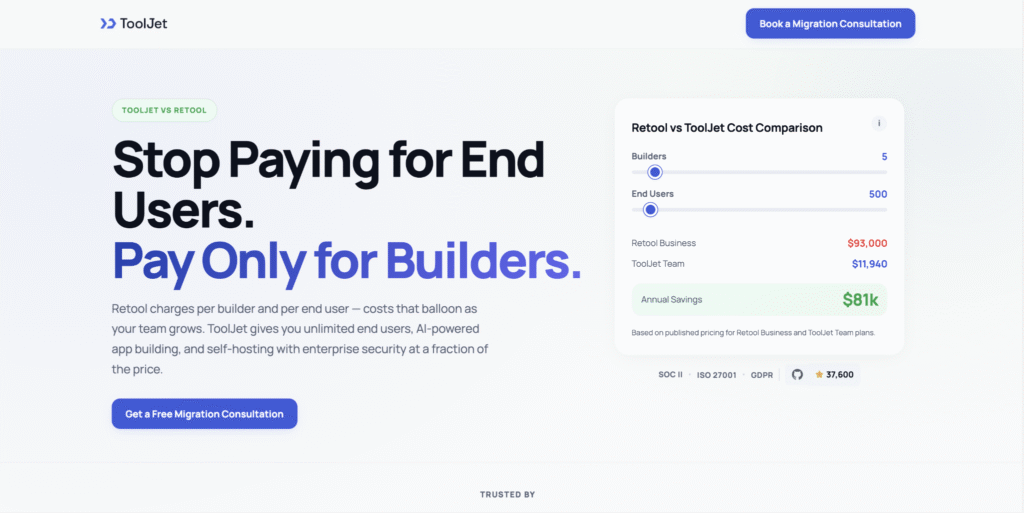
ToolJet is an open-source internal tool builder with a drag-and-drop visual editor and full support for JavaScript and Python. It connects to 75+ data sources, including PostgreSQL, MongoDB, REST APIs, and Google Sheets. It includes built-in workflow automation so you can set up multi-step processes without connecting a separate tool.
In 2026, ToolJet added AI-native app generation: you describe what you want in plain language, and ToolJet builds a working prototype you then refine visually.
Self-hosting is free with no user limits, but it does require someone on your team to be comfortable with server setup and maintenance. If that’s not an option, cloud-hosted plans are available.
ToolJet key features
ToolJet gives you a visual builder, 75+ data integrations, and built-in workflow automation in one platform – no separate automation tool needed.
- Drag-and-drop builder with 60+ components – Tables, forms, charts, and modals, all customizable with JavaScript or Python.
- 75+ data source integrations – Connect to databases, APIs, cloud storage, and SaaS tools. A built-in PostgreSQL-based database is included.
- AI app generation – Describe what you want in plain language, and ToolJet builds a prototype you can refine visually.
- Built-in workflow automation – Create multi-step workflows with triggers, conditions, and actions without a separate automation tool.
- Self-hosting with no user limits – The open-source community edition runs on your own infrastructure with no caps on users or apps.
ToolJet pricing
Infrastructure costs for self-hosting (around $16–$40/month for a basic cloud server) are the main expense on the free tier.
- Community (self-hosted) – Free – unlimited users and apps
- Cloud free – Free – small teams, limited features
- Paid cloud – From $19/month per builder – adds advanced access control and priority support
- Enterprise – Custom pricing – includes SSO, audit logs, and dedicated support
8. Budibase
Best for: Small teams that need a simple admin panel, form, or dashboard built quickly without software license costs.
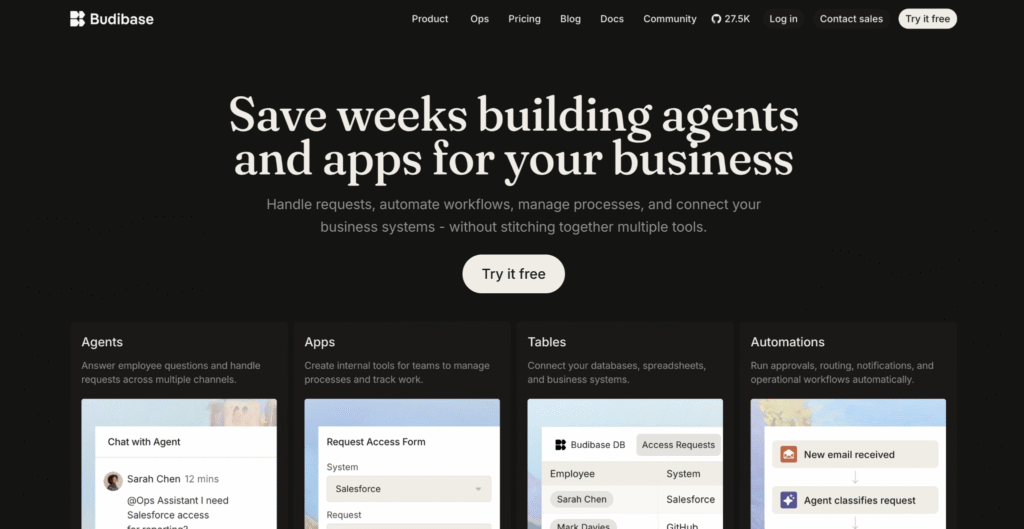
Budibase is an open-source low-code platform built for speed. Connect a SQL database, and Budibase auto-generates a working CRUD app (an interface for creating, reading, updating, and deleting records) complete with forms, tables, and navigation. A simple internal tool can be ready in under an hour.
The self-hosted edition is free for up to 20 users. Budibase also includes a built-in database, so you can start building without connecting an external data source first.
Budibase is not the right fit for highly complex apps with custom backend logic. If you need deep JavaScript customization or advanced workflow setup, Appsmith or ToolJet will give you more room.
Budibase key features
Budibase gets a working CRUD app in front of users fast – connect a database and it auto-generates forms, tables, and navigation with minimal configuration.
- Auto-generated CRUD apps – Connect a database, and Budibase creates a working app with forms, tables, and navigation automatically.
- Built-in database – Start building without an external data source. Budibase includes its own database for simple use cases.
- Workflow automation – Set up automations for form submissions, database actions, email triggers, and webhook-based workflows.
- Self-hosting with Docker – Deploy on your own servers using Docker for full data control and no licensing fees (up to 20 users).
- REST API and SQL integrations – Connect to external databases and APIs to pull in data from your existing systems.
Budibase pricing
- Free – Up to five cloud users or 20 self-hosted users, unlimited apps
- Paid – $50/month per creator + $5/month per app user – adds advanced access control, custom branding, and priority support
- Enterprise – Custom pricing – includes SSO, audit logs, and enforced security policies
9. Microsoft Power Apps
Best for: Teams already using Microsoft 365, SharePoint, or Azure who want to build internal tools without leaving that ecosystem.
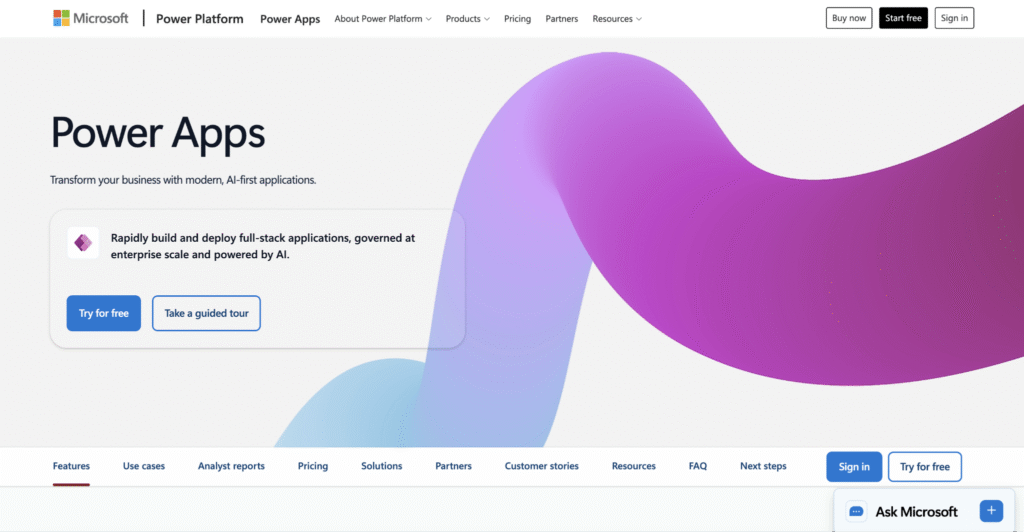
Power Apps is Microsoft’s low-code app builder. It connects natively to Office 365, SharePoint, Teams, Dynamics 365, and 1,400+ other services. You build with a drag-and-drop editor and automate workflows through Power Automate (Microsoft’s automation tool), all without leaving the Microsoft environment.
For organizations already paying for Microsoft 365, Power Apps is often included or available at a low incremental cost, which makes it a practical first choice for that audience.
Power Apps is much less compelling outside the Microsoft ecosystem. If your team runs on Google Workspace or a mix of non-Microsoft tools, the native integrations that define its value won’t apply.
Microsoft Power Apps key features
Power Apps offers two app types – canvas apps for freeform layouts and model-driven apps for structured workflows – both backed by deep Microsoft integrations and AI-assisted development.
- Drag-and-drop builder with templates – Build canvas apps with a freeform editor or model-driven apps based on your data structure. Dozens of templates cover common business needs.
- Deep Microsoft integration – Connects to Office 365, SharePoint, Teams, Azure, Dynamics 365, and 1,400+ other data sources.
- Power Automate integration – Automate approvals, notifications, and data syncing across Microsoft services without separate tools.
- AI-assisted development with Copilot – Describe your app in natural language, and Copilot generates the structure, logic, and UI for you.
- Dataverse storage – A built-in cloud database for storing and managing app data with role-based security and business logic.
Microsoft Power Apps pricing
The per-app plan at $5/user/app/month is being phased out in 2026, though it remains available through certain licensing channels. Watch for add-on costs: extra Dataverse storage runs $40/month per GB, Power Automate licenses add $15/user/month, and AI Builder credits are sold separately.
- Developer (free) – Non-production environments for learning and testing
- Premium – $20/user/month – unlimited apps, Dataverse access, premium connectors, 500 AI Builder credits
- Volume discount – $12/user/month for organizations with 2,000+ users
- Enterprise – Custom pricing
10. AppSheet
Best for: Teams already using Google Workspace who want to turn spreadsheet data into a structured app with built-in automation.
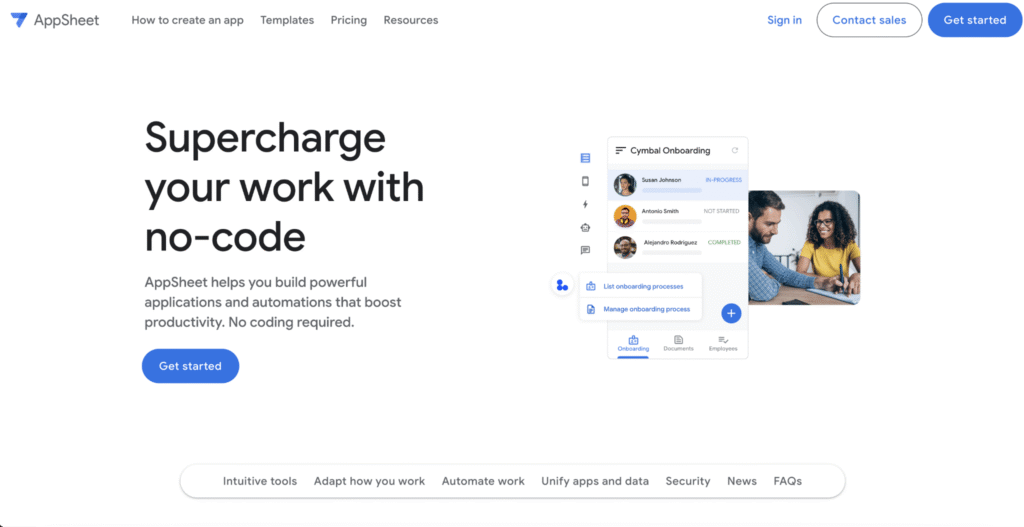
AppSheet is Google’s no-code app builder. You connect Google Sheets, Cloud SQL, or another data source, and AppSheet generates a working app based on your data structure. From there, you customize views, add automation rules, and deploy to web and mobile without writing code.
The platform focuses on data-driven internal tools, such as inventory trackers, field service apps, approval workflows, and inspection forms. For Google Workspace teams on eligible plans, the Core tier may already be included in an existing subscription, making it one of the lowest-friction options to try.
AppSheet is less suited for teams outside the Google ecosystem, and enterprise-level database connections require the higher-priced Enterprise tier.
AppSheet key features
AppSheet reads your data structure and auto-generates an app around it, with standout support for mobile use, workflow automation, and Google Workspace integration.
- Data-driven app creation – Connect a spreadsheet or database, and AppSheet auto-generates an app with forms, views, and navigation based on your data.
- Built-in automation and logic – Set up workflows, conditions, and triggers to automate notifications, data updates, and approvals.
- Mobile-first design – Apps are built for mobile with native support for barcode scanning, GPS, photo capture, and signatures.
- Google Workspace integration – Connects to Google Sheets, Google Drive, Gmail, Google Calendar, and Google Cloud services.
- Machine learning models – Add predictions and classifications to your apps using AppSheet’s built-in ML features without a data science background.
AppSheet pricing
- Free – Build and test prototypes with up to 10 users
- Starter – $5/user/month – basic app and automation features
- Core – $10/user/month – included with select Google Workspace editions (Business Standard, Business Plus, and Enterprise)
- Enterprise – Custom pricing – adds advanced integrations, governance controls, and priority support
The right internal tool builder for you depends on three things: your team’s technical skills, where your data lives, and how much control you need over your infrastructure.
Start with your team’s skill level. Developers comfortable with JavaScript and SQL will get the most out of low-code tools like Retool, Appsmith, or ToolJet. If non-technical team members need to build and maintain tools, no-code platforms like Glide, Softr, or Hostinger Horizons are easier to learn and manage.
Then look at your data. Appsmith and ToolJet connect to nearly any database or API, which helps if you already have backend systems in place. If your data lives in spreadsheets, Glide and AppSheet turn Google Sheets or Airtable into an app without migrating anything. For Microsoft-heavy organizations, Power Apps connects to SharePoint, Dynamics 365, and Azure without extra setup.
Next, consider hosting and data control. Open-source options like Appsmith, ToolJet, and Budibase let you self-host on your own servers, keeping data inside your network. That’s useful for teams with strict compliance requirements or data residency rules. Cloud-hosted platforms like Retool, Softr, and Hostinger Horizons handle infrastructure for you, saving time but putting your data on third-party servers.
Here’s a quick comparison to help narrow your options:
|
Need |
Best fit |
|
Fastest setup, no coding |
Hostinger Horizons, Glide, Softr |
|
Developer-grade flexibility |
Retool, Appsmith, ToolJet |
|
Self-hosted, open-source |
Appsmith, ToolJet, Budibase |
|
Microsoft ecosystem |
Microsoft Power Apps |
|
Google Workspace integration |
AppSheet |
|
Enterprise-scale complexity |
OutSystems, Retool |
Pricing models also vary widely. Per-user pricing (Retool, Power Apps, AppSheet) scales with your team size and can grow quickly. Fixed or credit-based pricing (Hostinger Horizons, Softr) stays flatter. Open-source self-hosting (Appsmith, ToolJet, Budibase) has the lowest licensing costs but requires additional infrastructure and maintenance.
The most important features in an internal tool builder are build speed, data connectivity, and access controls. Here’s what to evaluate in each area.
Drag-and-drop UI building saves the most time. Platforms like Retool, Budibase, and ToolJet offer prebuilt components (tables, forms, charts, modals) that you place on a canvas and connect to your data.
Not every builder gives you the same level of control over those components. Retool is a better fit for complex admin panels because it gives you more prebuilt options and lets teams fine-tune how each part works. Glide is better for simpler tools built from spreadsheets, where speed matters more than customization. Pick a builder where the default components already match the tool you want to build.
Database and API integrations determine what’s possible. Every platform on this list connects to common databases like PostgreSQL and MySQL. The differences lie in how many data sources you can connect to, how complex your queries can be, and whether you can write custom logic.
If your team works with REST APIs, GraphQL, or third-party SaaS tools, check that the platform supports direct connections rather than relying on middleware like Zapier.
Role-based access control (deciding who can view or edit what) becomes important the moment more than one person uses your tool. Some platforms include this on free plans; others lock it behind enterprise tiers. Check where permissions sit in the pricing structure before you commit.
Workflow automation cuts down on manual tasks. Look for built-in triggers and actions: sending a notification when a form is submitted, updating a record on a schedule, or automatically moving data between systems. Platforms with native automation, such as ToolJet, Budibase, and Power Apps, mean you don’t need a separate automation tool.
Scalability is easy to overlook early on. A tool that works for five users might struggle with 50. Check for limits on data rows, API calls, and concurrent users. If you expect growth, pick a platform where upgrading doesn’t require rebuilding from scratch.
AI speeds up internal tool development by generating UI layouts, database schemas, and business logic from plain-language descriptions. Instead of manually dragging components and writing queries, you describe what you need, and the AI produces a working first version. You then refine it visually or with follow-up prompts.
This is what people mean when they talk aboutvibe coding: you focus on the outcome, and the AI handles the technical work. A tool that would take a developer several days to build can have a working draft in under an hour.
Beyond the initial build, AI handles repetitive back-end logic too. You can automate CRUD operations, set up data validation rules, and create workflow triggers without writing a line of code. Common outputs include reporting dashboards, customer support tools, internal chat assistants, and approval workflows.
Most platforms on this list include some form of AI. Hostinger Horizons generates the full app from a prompt and deploys it on the same platform. Retool, Glide, Softr, and Power Apps all offer AI-assisted layout generation that you can refine visually. The difference is how much control you have after the AI does its part.
The practical benefit is speed. Teams that used to wait on engineering resources can now prototype and test ideas themselves. The more youbuild software with AI, the better your prompts get, and the closer the first version comes to what your team actually needs.
All of the tutorial content on this website is subject to
Hostinger’s rigorous editorial standards and values.

Alma is an AI Content Editor with 9+ years of experience helping ideas take shape across SEO, marketing, and content. She loves working with words, structure, and strategy to make content both useful and enjoyable to read. Off the clock, she can be found gaming, drawing, or diving into her latest D&D adventure.